
Alpha
Couldn't load pickup availability
Delivery timelines begin once full payment has been confirmed. All orders are shipped via fast, insured courier. You will receive a tracking number by email once your order is dispatched. View full shipping policy →
Orders are confirmed once payment reflects. Banking details are provided in your order confirmation email. View payment details →
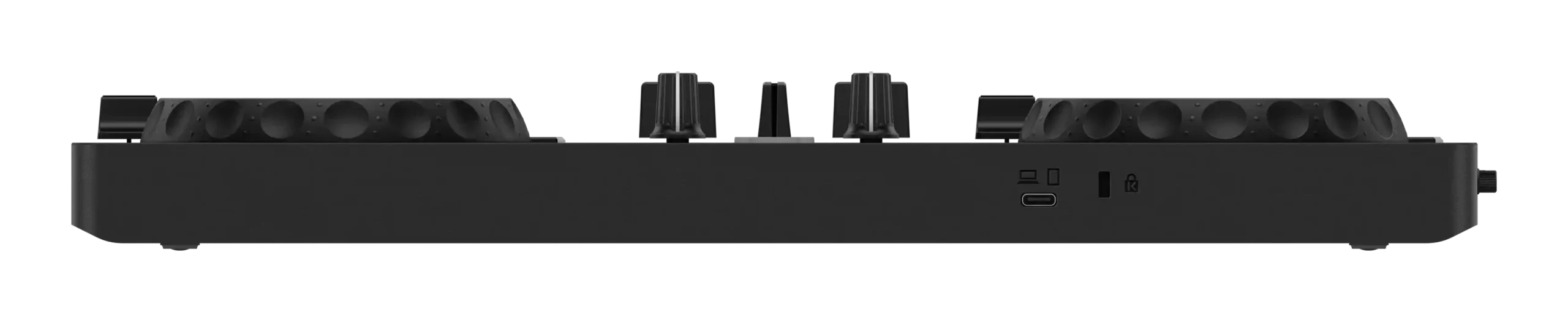
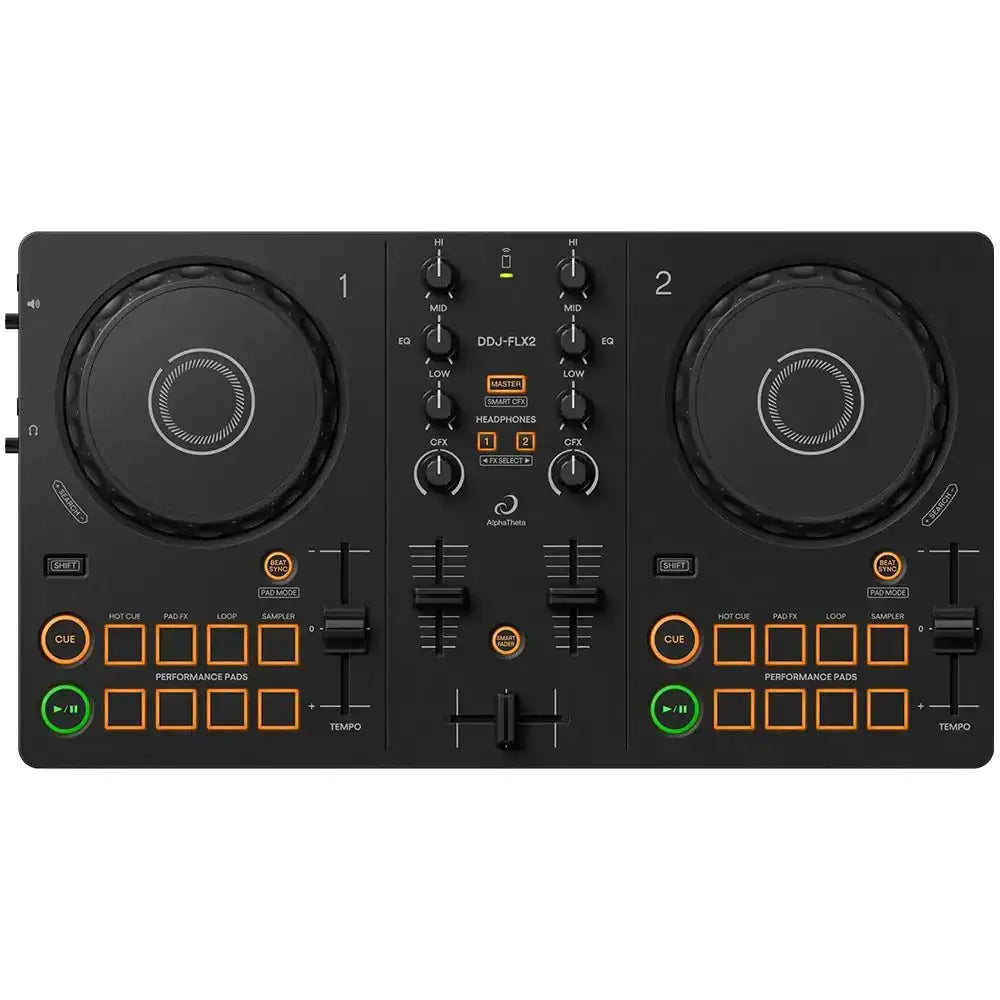
Add the Alpha Theta DDJ-FLX2 by Alpha to your setup — professional audio equipment trusted by engineers, musicians, and event production crews across South Africa.
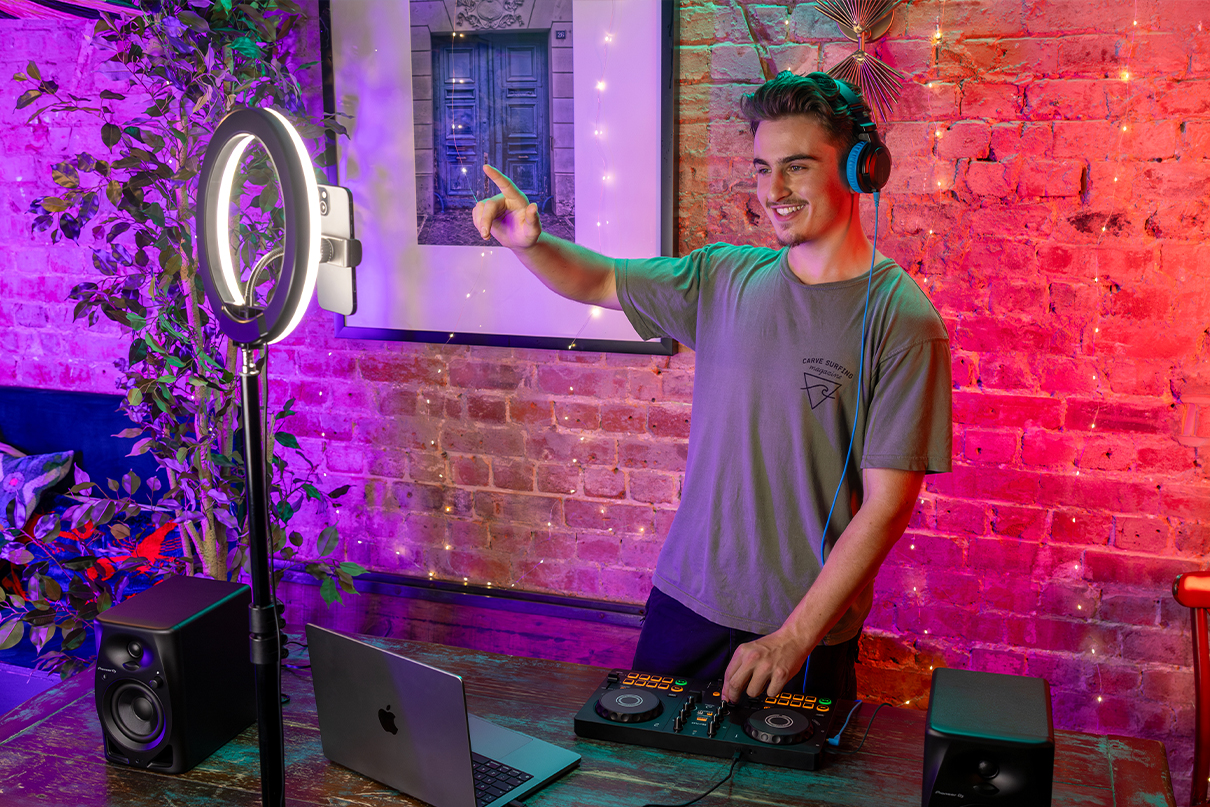
Do you think DJing seems difficult?
Ever feel like performing as a DJ in front of people sounds tough?

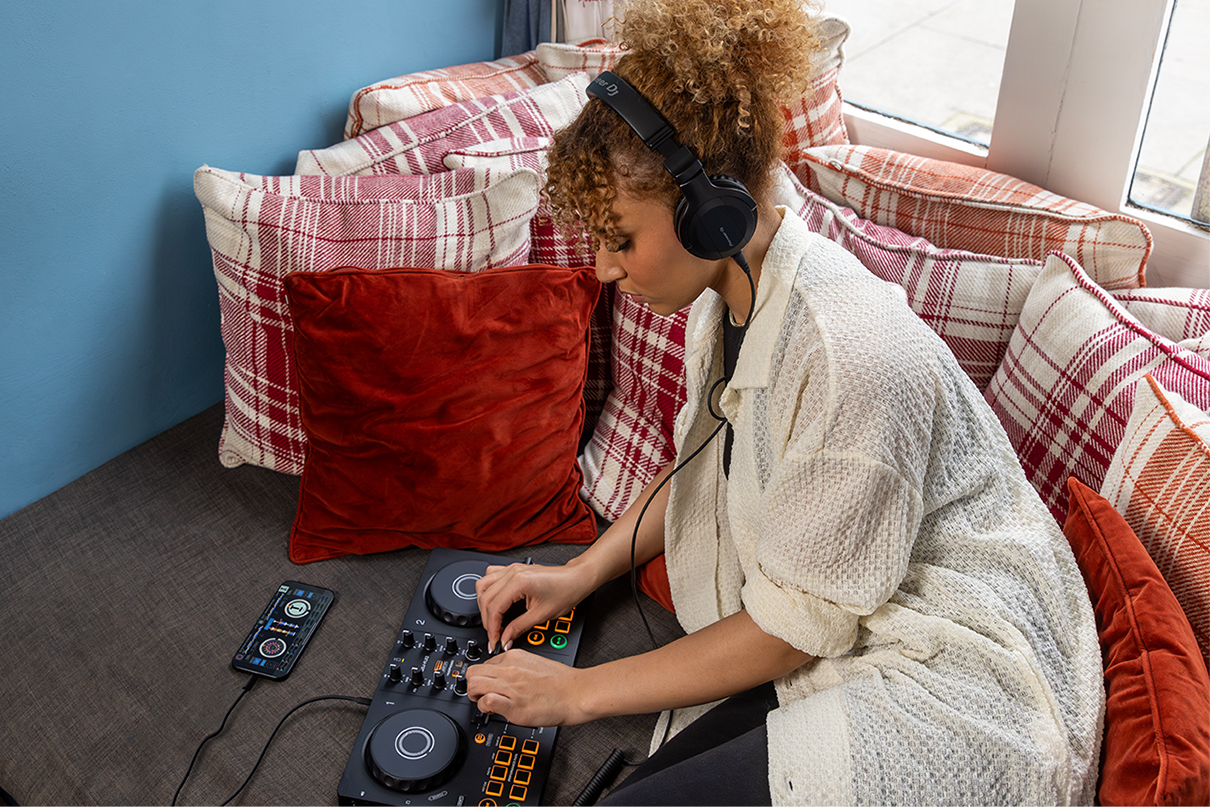
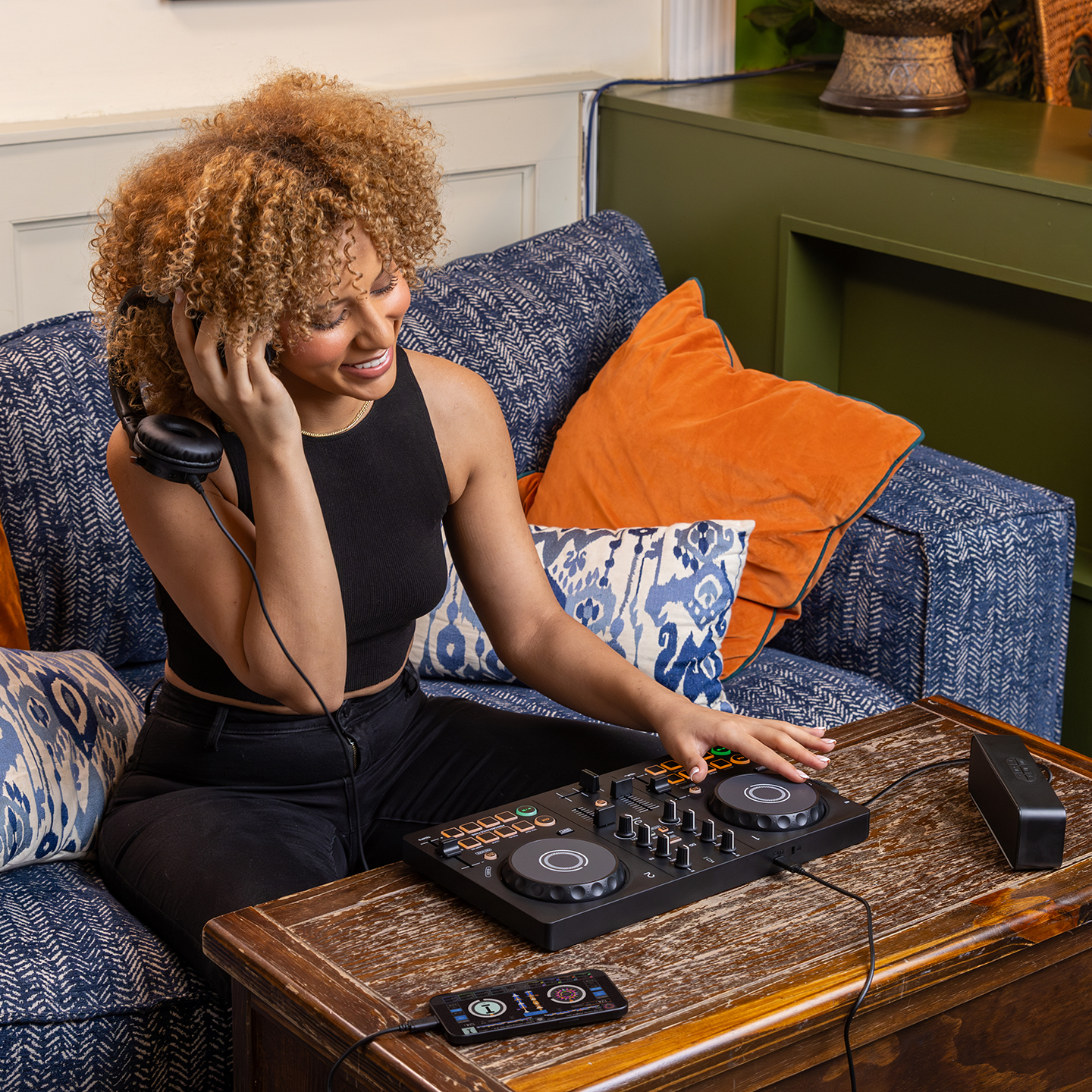
Getting into DJing is super easy! All you need is some gear and a love for music. It’s a fun and awesome way to really enjoy music.

The DDJ-FLX2 is all you need to kick off your DJing journey and enjoy music your way.


| Compatible music streaming services | Compatible DJ applications | ||||
|---|---|---|---|---|---|
![]() |
![]() |
![]() |
|||
| Mac/PC | iOS/Android | Mac/PC | iOS/Android | Mac/PC | |
| Apple Music | ● | ● | |||
| Beatport Streaming | ● | ●*2 | ● | ● | ● |
| Beatsource Streaming | ● | ● | ● | ● | |
| SoundCloud Go+/DJ | ● | ● | ● | ● | ● |
| TIDAL | ● | ● | ● | ● | ● |
*1 Music streaming services may not be available in some countries or regions. Find more details here.
*2 Beatport Streaming is not supported by rekordbox for Android.
Connect your smartphone/tablet to the DDJ-FLX2 via the USB Type-C cable. Play your mix through the speaker(s) connected to the DDJ-FLX2 via an audio cable.
・Smartphone/tablet
・DDJ-FLX2
・Speaker(s) (compatible with a wired connection)
・USB Type-C cable (included with the DDJ-FLX2)
2 / 4
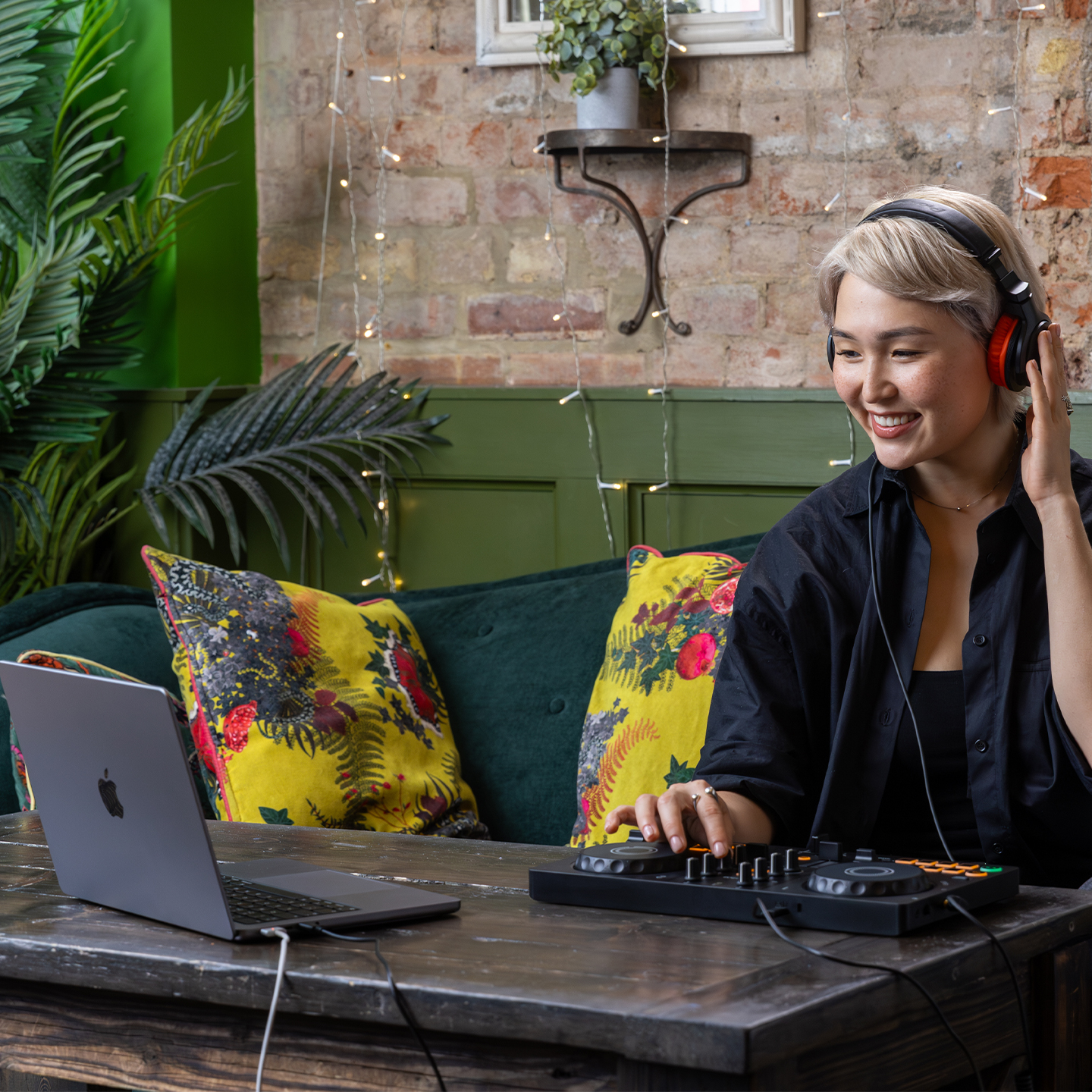
Connect your PC/Mac to the DDJ-FLX2 via the USB Type-C cable and play your mix from the PC/Mac’s built-in speaker. This setup is only available when using rekordbox.
・PC/Mac
・DDJ-FLX2
・USB Type-C cable (included with the DDJ-FLX2)
Connect your smartphone/tablet to the DDJ-FLX2 via the USB Type-C cable. Play your mix through the speaker(s) connected to the DDJ-FLX2 via an audio cable.
・Smartphone/Tablet
・DDJ-FLX2
・USB Type-C cable (included with the DDJ-FLX2)
・USB Type-C power adapter or Mobile battery
Connect your PC/Mac to the DDJ-FLX2 via the USB Type-C cable. Play your mix loudly through the speaker(s) connected via an audio cable.
・PC/Mac
・DDJ-FLX2
・Speaker (compatible with wired connection)
・USB Type-C cable (included with DDJ-FLX2


VisionSounds — South Africa's specialist in premium camera and audio gear. Fast delivery nationwide. Genuine warranty included.

We support all major South African banks